Staging smoke went red on two checks
Verdict: stale tests — no user was affected
Both red checks were looking for wording and a control that were deliberately changed weeks/hours earlier. The two screens themselves are working correctly. The menus change (PR #447) did not cause either one.
What actually changed each one
| Red check | Real cause | Why not the menus change |
|---|---|---|
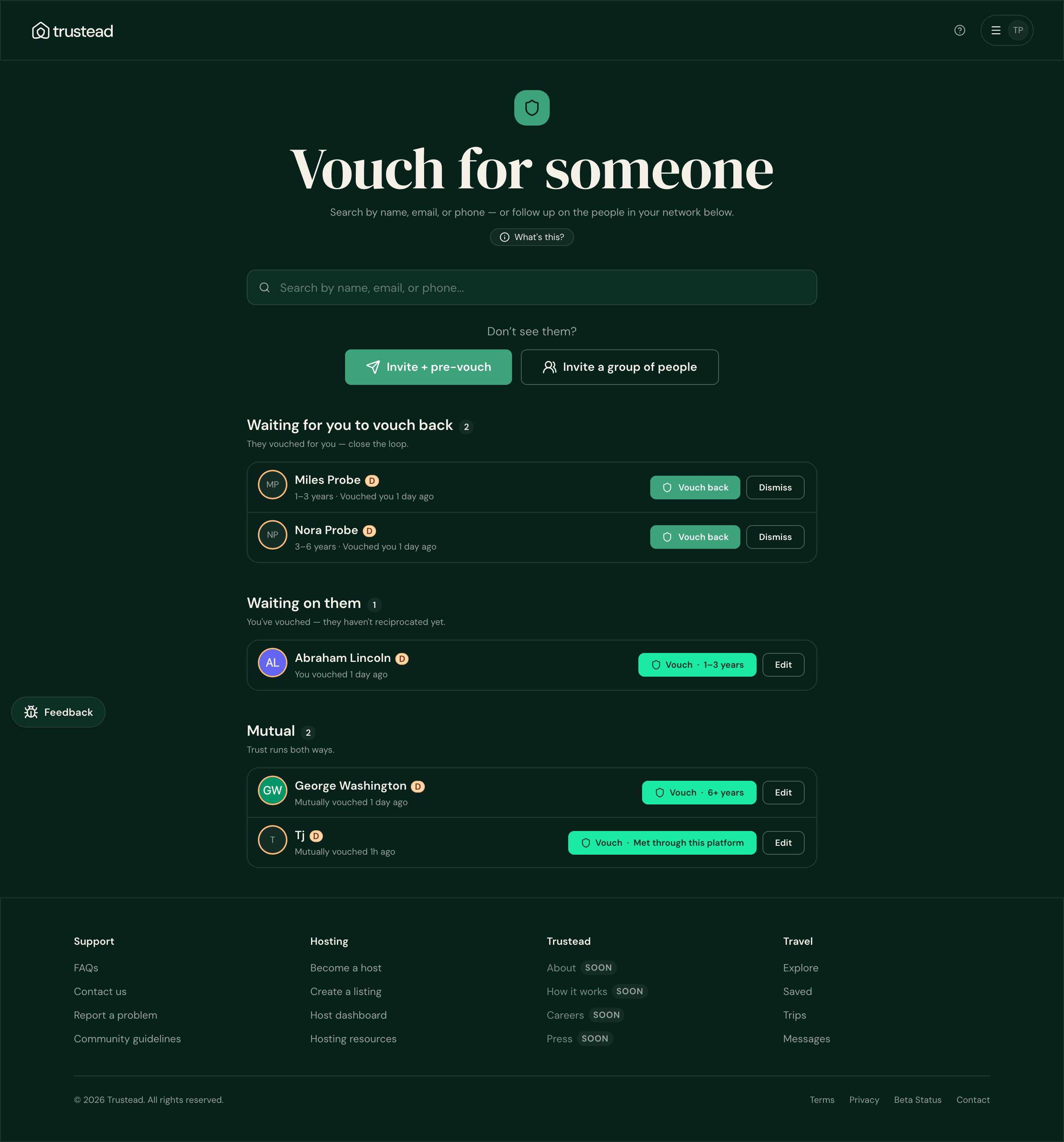
| Vouch page lane heading | The vouch/network redesign renamed the lane to “Waiting for you to vouch back” | The last staging build made two minutes before that redesign passed this check |
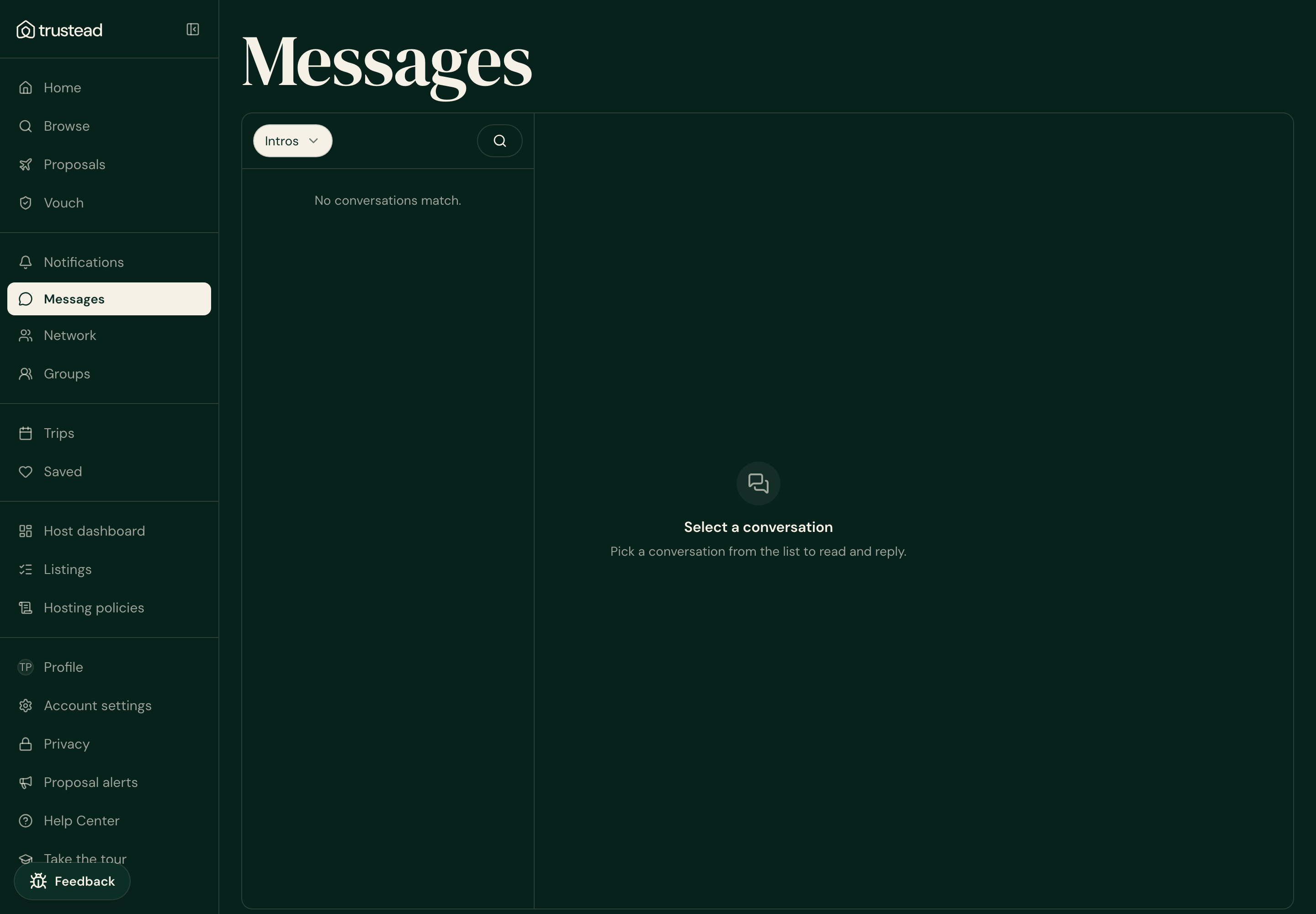
| Inbox “Intros” tab | The inbox filter became a dropdown back on Jun 27, so there is no tab button left to read | This check was already red on the July 20 staging run — a day earlier |
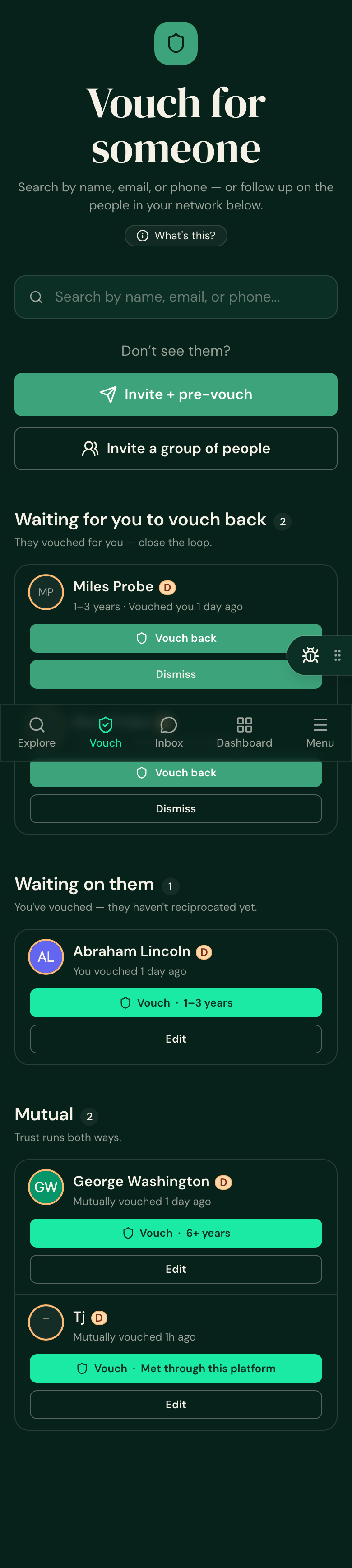
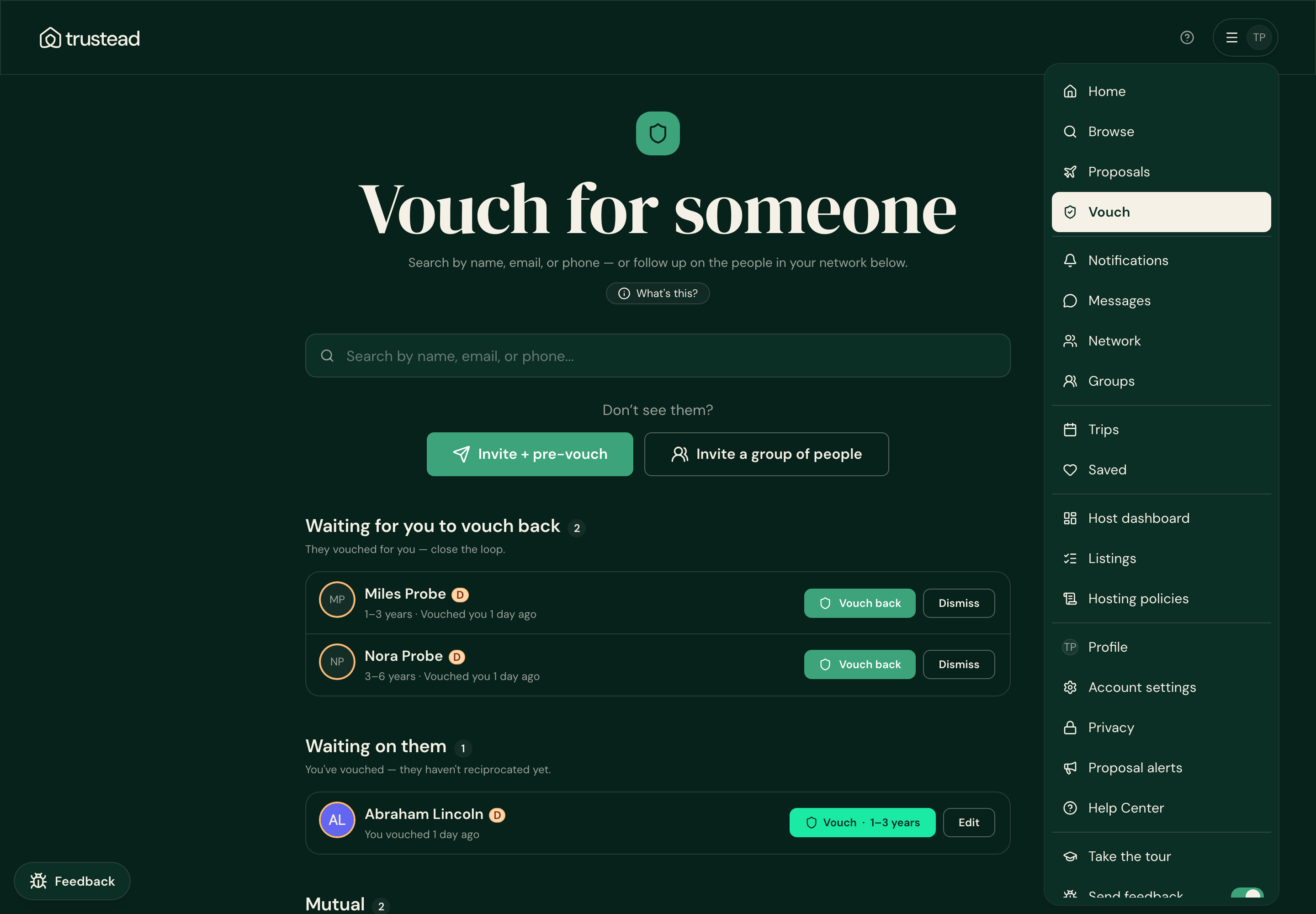
1 · The Vouch page really does show the lane
Signed in on staging · the lane renders with both people waiting to be vouched back.
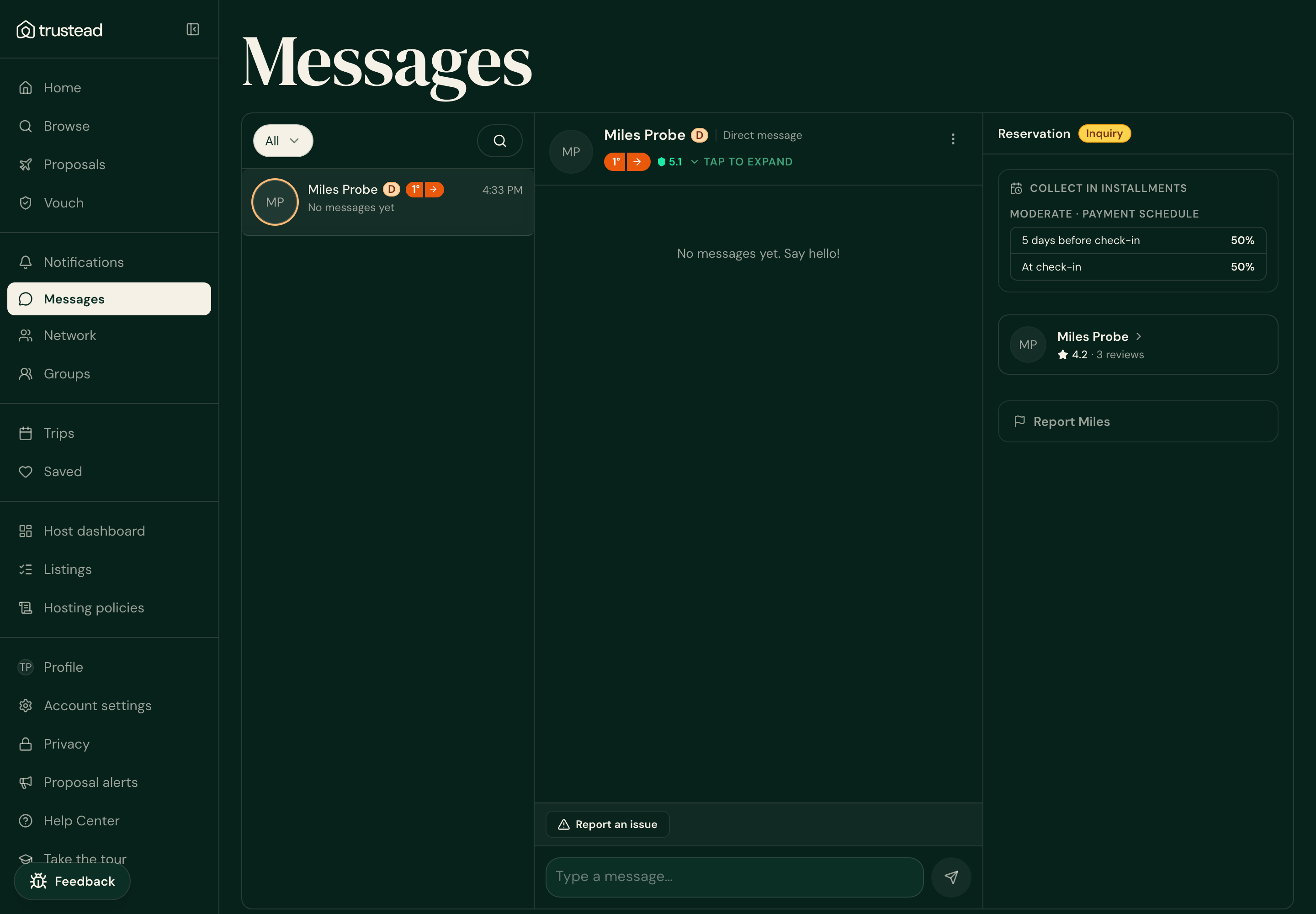
2 · The Intros deep link really does land on Intros
Opening the Intros link puts the filter on Intros; opening the plain inbox puts it on All. That difference is what the corrected check now reads.
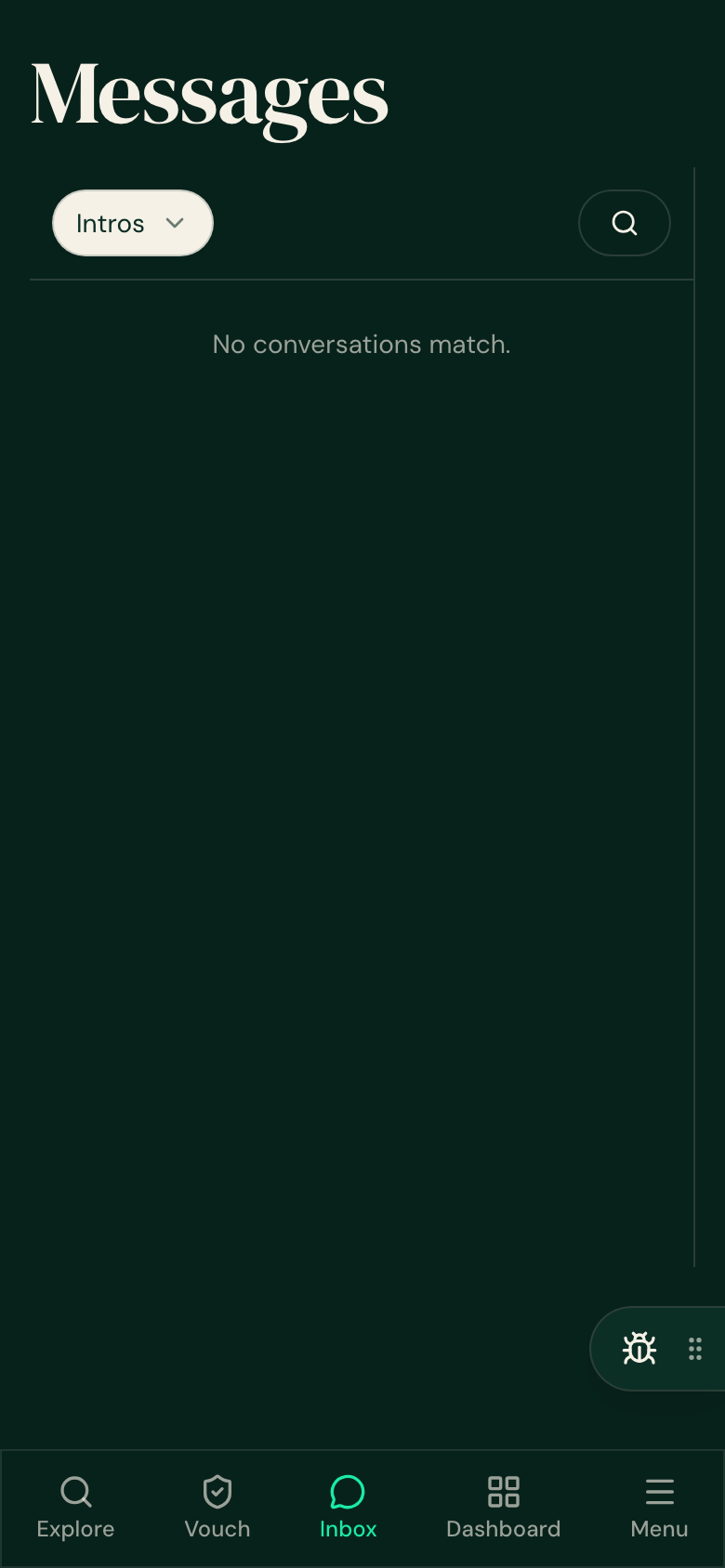
For contrast — the plain inbox lands on “All”:
3 · The menus are intact
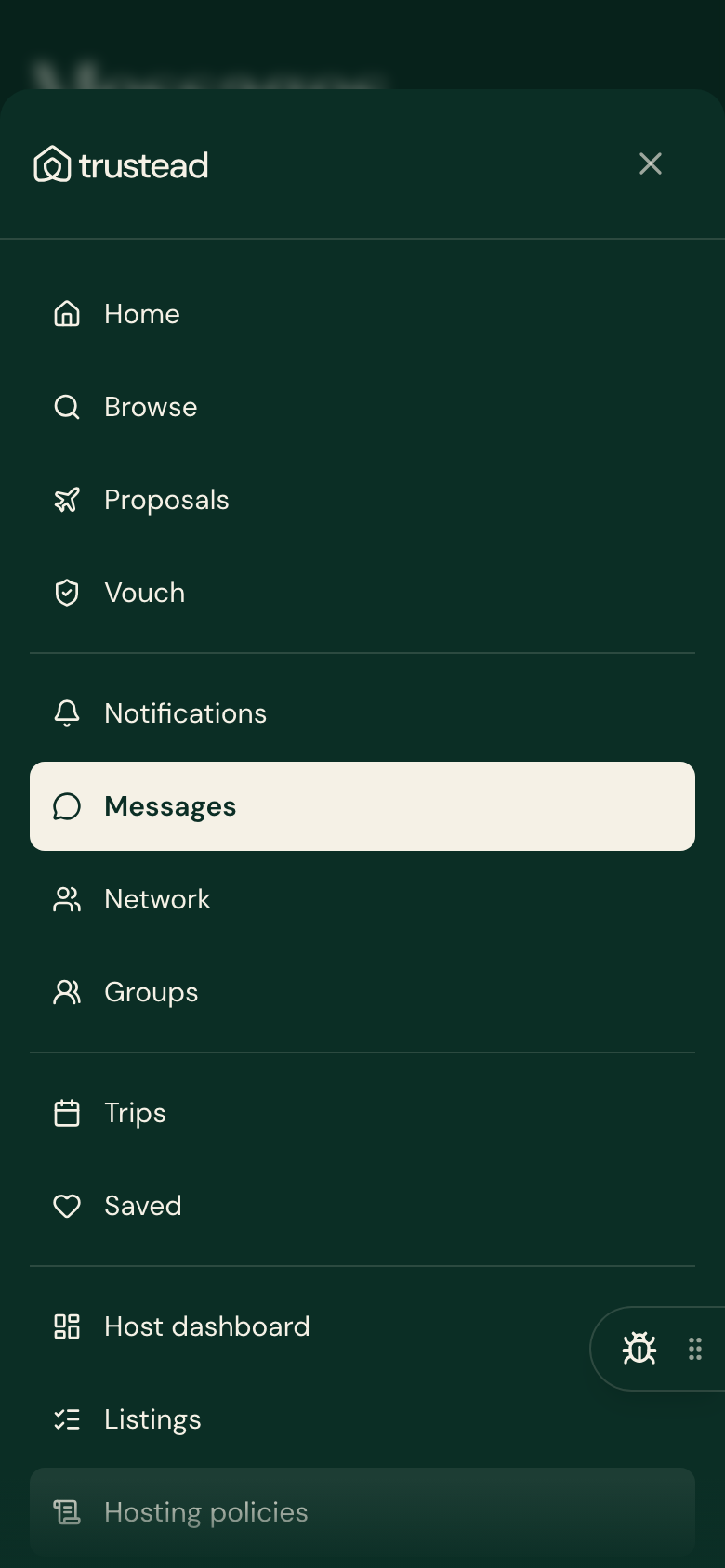
Both menus list the same 21 rows in the same order, ending Take the tour → Send feedback → Log out.
What was changed
- Only the two checks were corrected — no change to anything people see.
- Each corrected check still fails if the screen genuinely breaks.
- All build gates green, including the menu drift test.